Beginners
Find your footing
Revisit your takeoff, timing and the first turns you want to understand.
Ride Studio
See the detail behind a better ride. Follow movement, timing and position through the wave, with every measurement tied to the moment it happened.
Explore a saved analysis below. Your first upload is free, including analysis of a ride up to 30 seconds.
Kandui · saved analysis example
A saved analysis example. Play, choose a measurement and follow it to the footage.
Along stance · % body length
Every number is linked to a moment in the video. This saved example is smoothed across tracking gaps; saved analyses show where measurements are unavailable. For your own ride, confirm the rider and height in your library to start analysis.
BodyMotion
See where your hands sit, how your stance shifts and how your shoulders turn. Rotate the translucent 3D reconstruction and examine your body position frame by frame.
Loading body mesh…
Drag to orbitRider Profile
Compression, stance, rotation and arm position. In this saved example, follow each measurement through the ride or focus on one manoeuvre.
Body extension · average
76%
Smoothed sample · Whole ride
The line follows the measurement through the ride. The distribution shows where it sits most of the time.
Side by Side
Compare two saved examples side by side. Each has its own controls, so you can line up the moments that matter.
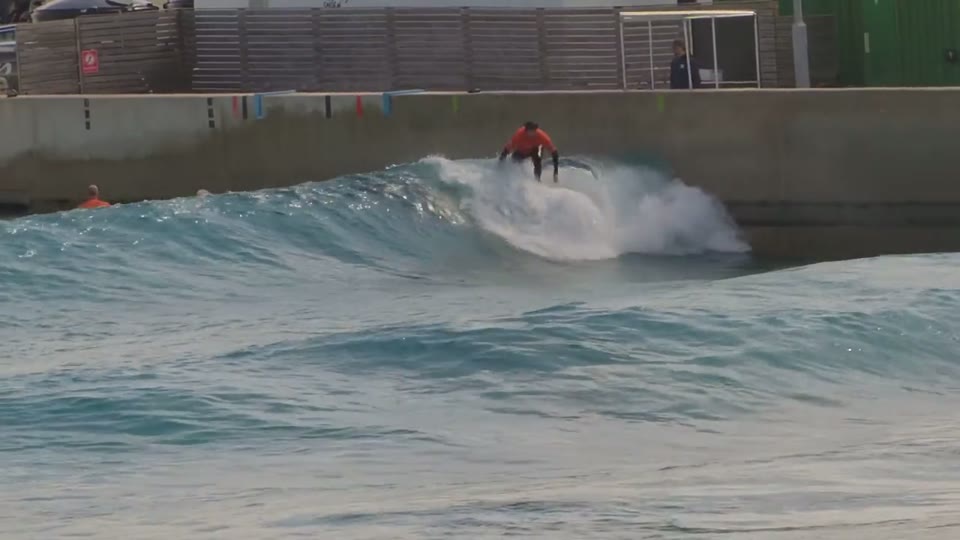
Wave pool
Sample A · Body extension
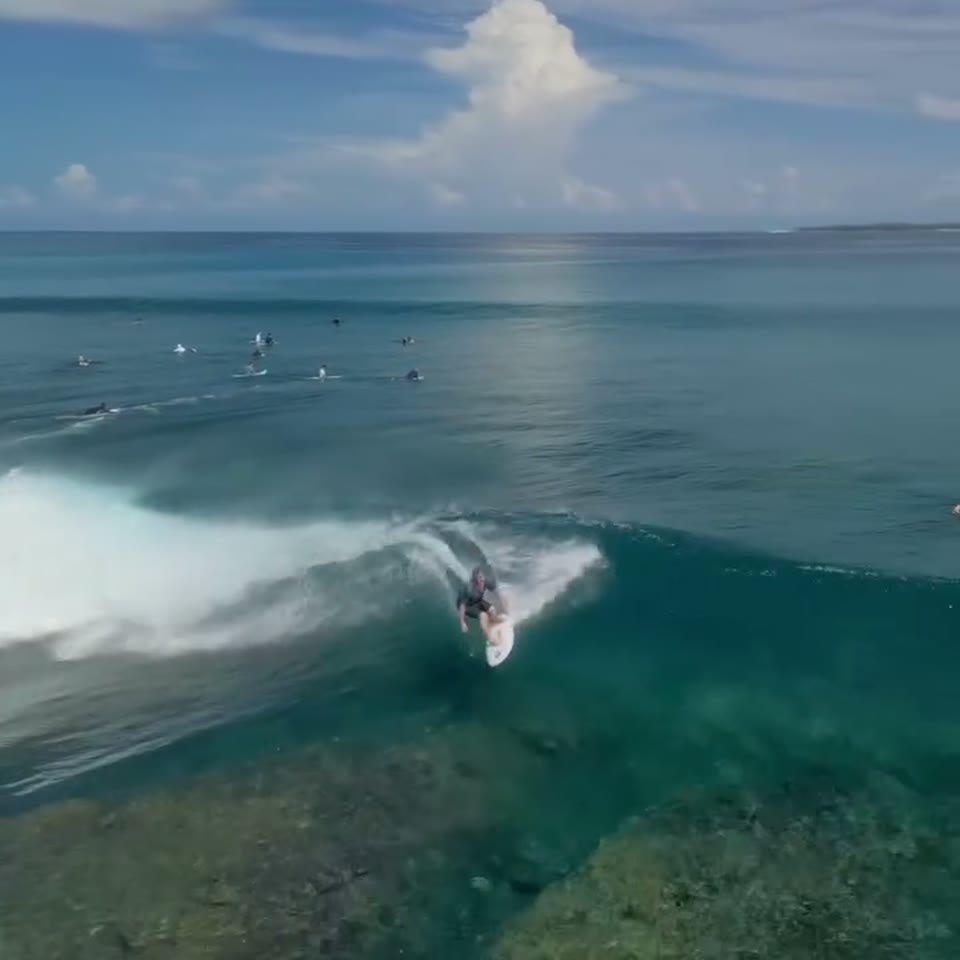
Kandui
Sample B · Body extension
WaveDynamics
Look at estimated wave size and how your position on the face changes through the ride. See when you climb towards the crest and drop back towards the toe.
Video only
Start with a clear camera or drone clip.
No wearables, board sensors or special filming setup. Keep the camera steady, give the ride some room and let us turn the footage into a new perspective on your surfing.
Upload up to five minutes of footage. Pick a wave and keep it in your own library.
Open your saved ride, select the rider and confirm their height to start analysis.
We’ll email when the analysis is ready. Processing can take a while because we trace the rider and wave and check the fit.
The examples above show saved analysis. Your own ride is ready to replay and mark as soon as it has uploaded.
For every surfer
Beginners
Revisit your takeoff, timing and the first turns you want to understand.
Intermediates
Notice recurring habits and take a clearer focus into your next session.
Advanced surfers
Look closely at the line, timing and choices that shape a turn.
Elite surfers
Review rides from session to session and search for the small gains that still matter.
Coaches
Build a clearer conversation around the part of the ride that matters.
Here to help
Tell us what happened and we’ll take a look. Your video stays private to your account, and you can remove it from your library.
Contact [email protected] whenever you need help.
Read about supportStart with your next ride
Upload a video, choose your wave and get your analysis. We’ll email you when it’s ready.
Free to start
Your first upload is free, including analysis of a ride up to 30 seconds. Choose a monthly plan when you want to add more footage.
Before you upload
No. A phone, camera or drone can work. What matters is a clear view of the whole rider and board, with some wave around them. A tiny surfer in a distant, blurry shot is much harder to measure.
Upload up to five minutes of session footage and choose the wave you want to analyse. A saved wave can be up to 30 seconds. Keep the full rider and board in frame, and use the original file if you have it; social-media copies often lose useful detail.
Upload your clip, confirm the rider and enter their height. Several analysis stages estimate body movement, the camera and the wave, then save the result in your studio. Read the science behind the analysis.
Usually 5–10 minutes. It’s a complex process: we trace the rider and the wave, estimate the camera and body movement, and check the fit before saving your result. At busy times it can take a little longer. You don’t need to wait on the page—we’ll email you as soon as your analysis is ready.
Body extension, stance, rotation and hand position, plus wave height and your position on the face. Distance estimates appear where the footage supports them. Our guide to the measurements explains each one and which plan includes it.
They’re estimates from video, and the footage matters a great deal. We don’t publish an accuracy percentage. Where your clip cannot support a measurement, you’ll see a gap. Use the numbers alongside the footage to examine a ride and compare your own sessions.
Tell us at [email protected] within 30 days of receiving your result. We’ll review it ourselves and put it right, including analysing the ride manually where needed. If you’re still not satisfied, we’ll refund that ride’s share of your monthly payment. See our guarantee for the terms.
Your first upload is free, including its analysis with the detailed Pro measurements. No card is needed and you won’t be subscribed automatically. After that, Starter is £12 a month for five uploads with core measurements, and Pro is £29 a month for twenty with every measurement and side-by-side comparison.